
Best GoPro Settings for Kealakekua Bay Snorkeling
You slip your mask on and plunge into Kealakekua Bay’s turquoise waters. Schools of tropical fish dart around vibrant corals right in front of your GoPro. But blurry footage ruins the magic.
Kealakekua Bay snorkeling offers crystal-clear visibility up to 100 feet. You capture stunning underwater videos here because sunlight pierces the surface, highlighting the marine life. Yet, default settings often fail in these conditions.
You need tailored GoPro tweaks for sharp, colorful clips. Let’s cover the best setups step by step.
Why Kealakekua Bay Demands Top GoPro Footage
Kealakekua Bay sits along Hawaii’s Big Island coast. This marine sanctuary teems with life, from yellow tangs to spinner dolphins. You snorkel snorkeling Big Island Hawaii here for unparalleled clarity. The bay’s calm shallows and deep drop-offs create perfect backdrops.
Sunlight filters through, but blue hues dominate deeper water. Your GoPro must handle this shift. Poor settings wash out colors or add grain.
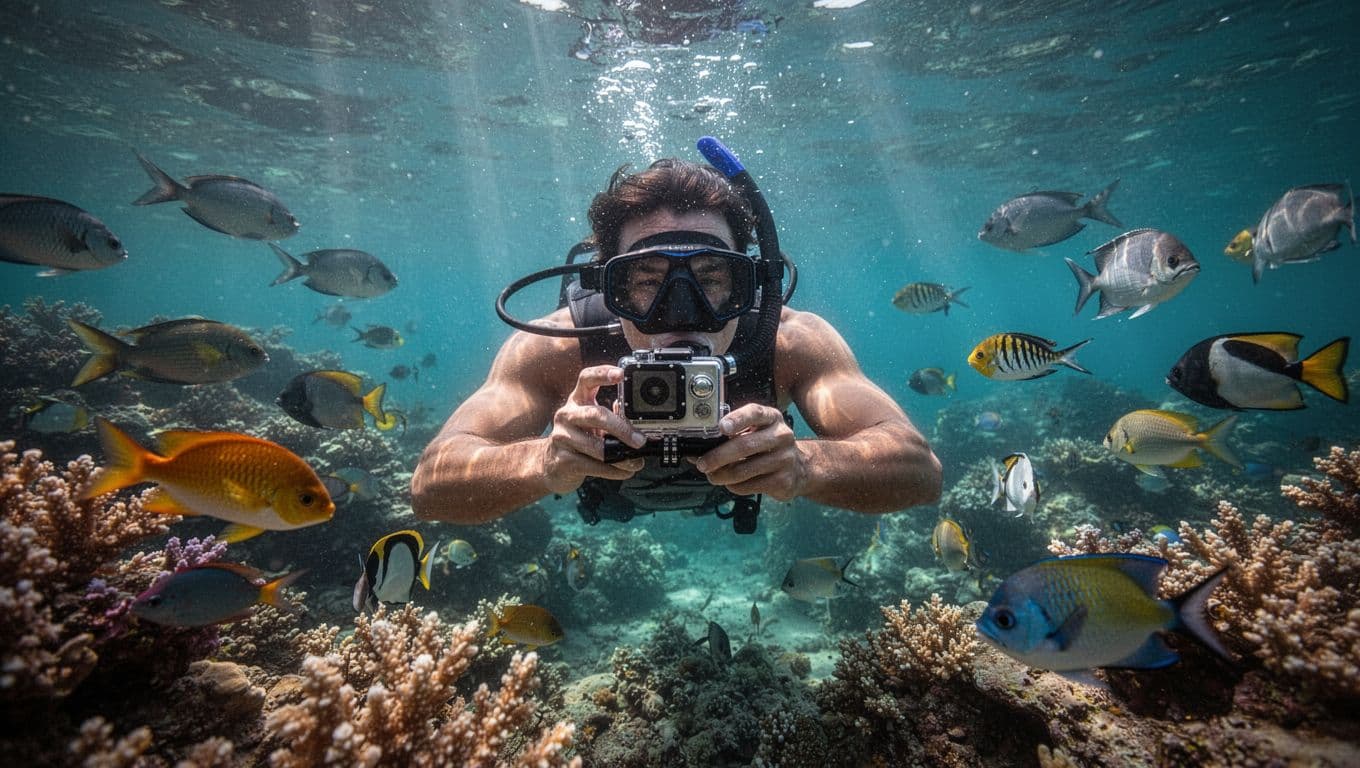
Strong currents occasionally stir sediment. You stabilize shots by locking key parameters. For example, pros recommend manual white balance around 5500K for natural tones, as shared in detailed GoPro underwater tutorials.
Kona Snorkel Trips leads snorkel Big Island adventures here. Their Kealakekua Bay snorkeling tour follows a “Reef to Rays” philosophy. Lifeguard-certified guides provide premium gear and small groups for safety. They prioritize reef-safe practices to protect this spot.
Captain Cook Snorkeling Tours offers similar access too. Both ensure you focus on filming, not logistics.
Mount Your GoPro for Stable Snorkel Shots
You start prep on the boat deck. Secure your GoPro to your mask strap or head mount. This keeps it hands-free as you chase fish.
Avoid chest mounts; they catch waves awkwardly. Mask straps position the lens at eye level for natural views. Tighten gently to prevent fogging.
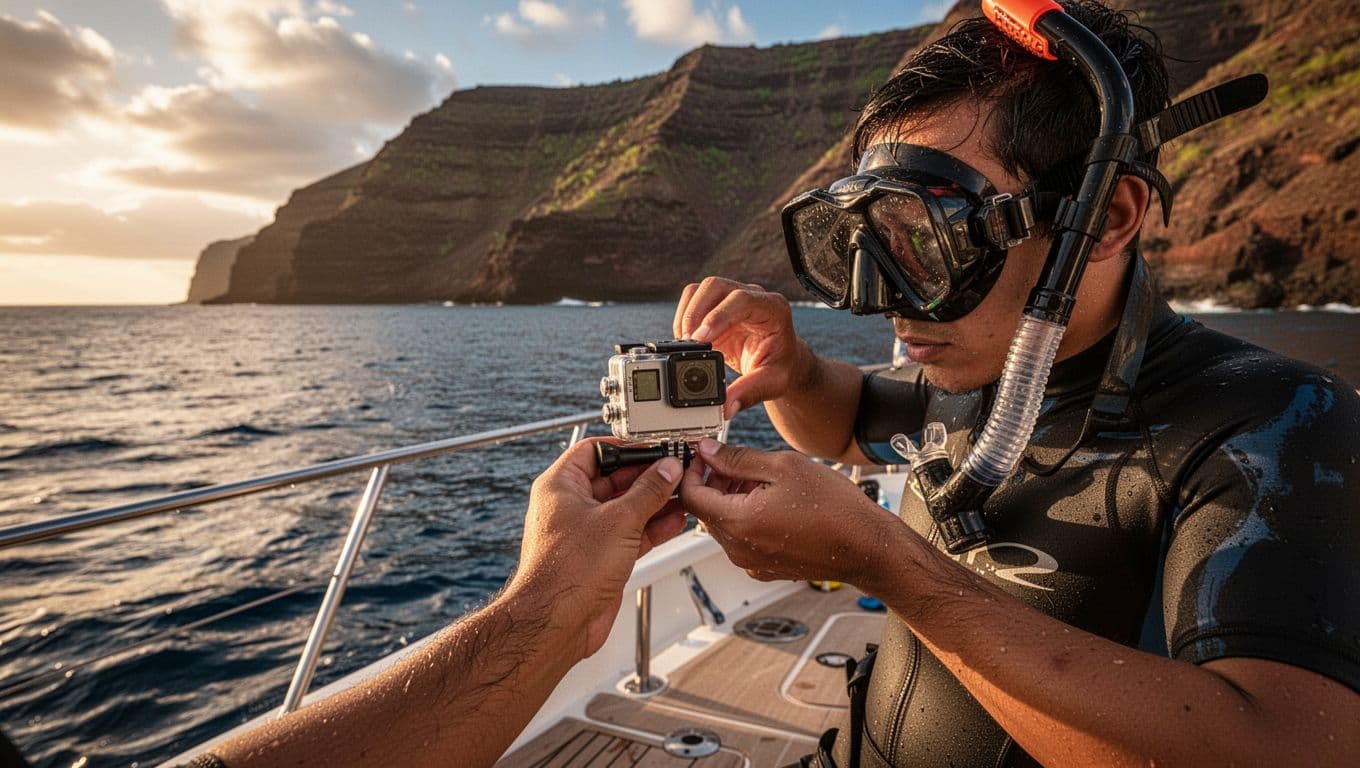
Rinse with fresh water first. Apply anti-fog solution inside the housing. Submerge slowly to equalize pressure. These steps prevent leaks and blur.
For housing, use the official red filter at 15-25 feet. It corrects blue casts naturally.
Optimal Video Settings for Crystal Clear Footage
Dial in 4K at 60fps for smooth playback. This handles your fin kicks without judder. Set shutter to 1/120 for natural motion blur.
Lock ISO between 100-400 to cut noise in shadows. White balance at 5000-6000K restores coral pinks and fish yellows.
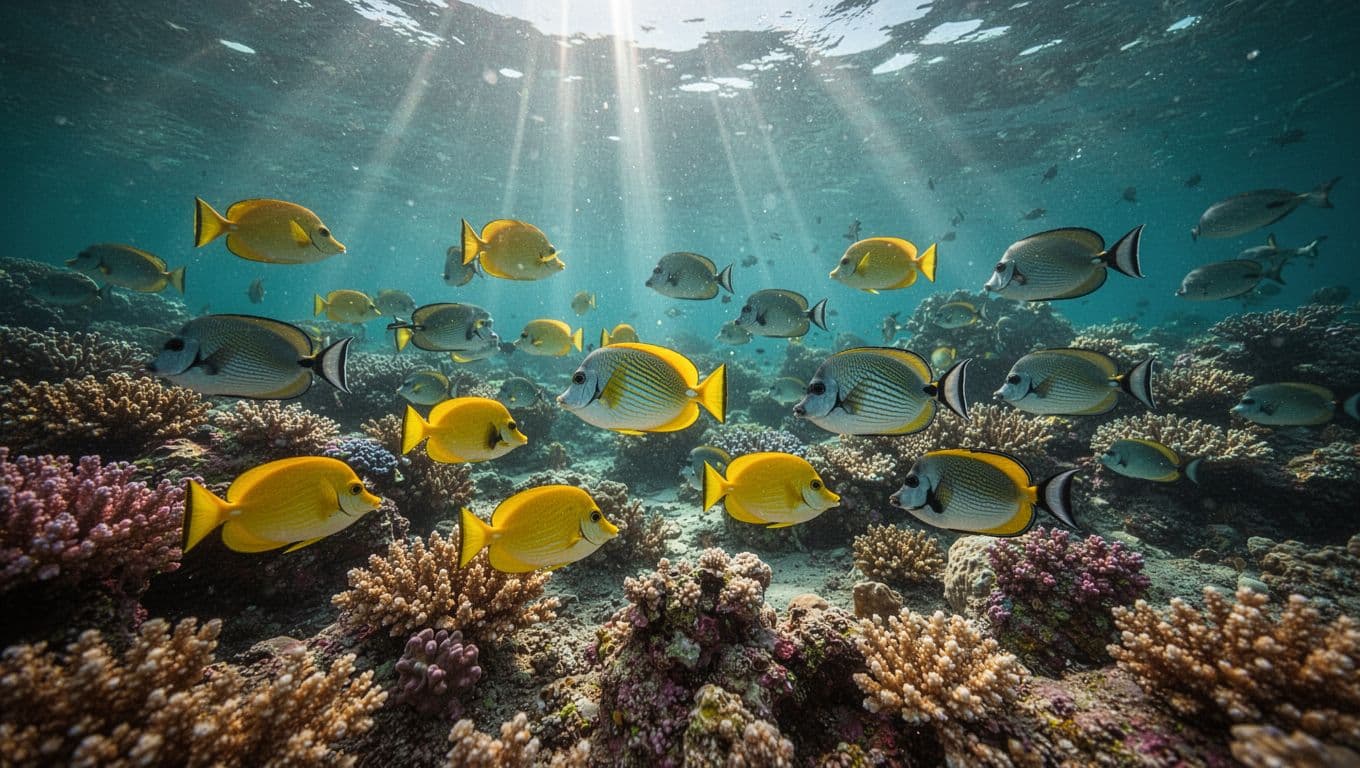
EV compensation at -0.5 brightens without overexposing sunbeams. Enable HyperSmooth for steady footage amid currents.
| Setting | Value | Why It Works Here |
|---|---|---|
| Resolution | 4K/60fps | Captures fast fish schools clearly |
| Shutter | 1/120 | Matches light flicker underwater |
| ISO | 100-400 | Reduces grain in bay’s variable depths |
| WB | 5500K | Balances turquoise tones |
| Protune | On | Gives editing flexibility |
These match settings from underwater GoPro experts. Test in shallows first. Adjust based on depth.
Photo Settings to Freeze the Action
Switch to photo mode for stills. Use 12MP raw for detail. Wide lens catches reef panoramas.
Burst at 30 photos/sec grabs turtles mid-swim. Sharpness at medium avoids over-processing.
Enable RAW+JPEG. You edit colors later without loss. Timelapse every 0.5 seconds documents drifts.
Lighting and White Balance Tweaks
Kealakekua Bay’s depth shifts light fast. Surface beams demand quick ISO drops. Deeper, bump EV to +0.3.
Red filters shine beyond 15 feet. Without one, footage turns green. Pair with manual WB for consistency.
Follow proven underwater configs like 120fps slo-mo for dolphin spins.
Avoid These GoPro Pitfalls in the Bay
Don’t leave auto settings on. They hunt in changing light, causing flicker. Forget wide lens distortion; correct in post.
Overheat warnings hit after 20 minutes. Pause and cool. Battery dies fast in cold water, so pack spares.
Check quick GoPro tips video for hands-on demos.
You now own the best GoPro setup for Kealakekua Bay snorkeling. These tweaks turn raw dives into pro videos. Practice on your next snorkeling Big Island trip. The bay’s corals and fish wait to star in your footage. Dive deeper next time.